
Setting up the Onsite Campaign integration
Setup Onsite Campaign by clicking Integrations –> List Integrations –> Onsite Campaign –> Setup Integration –> Create New Onsite Campaign
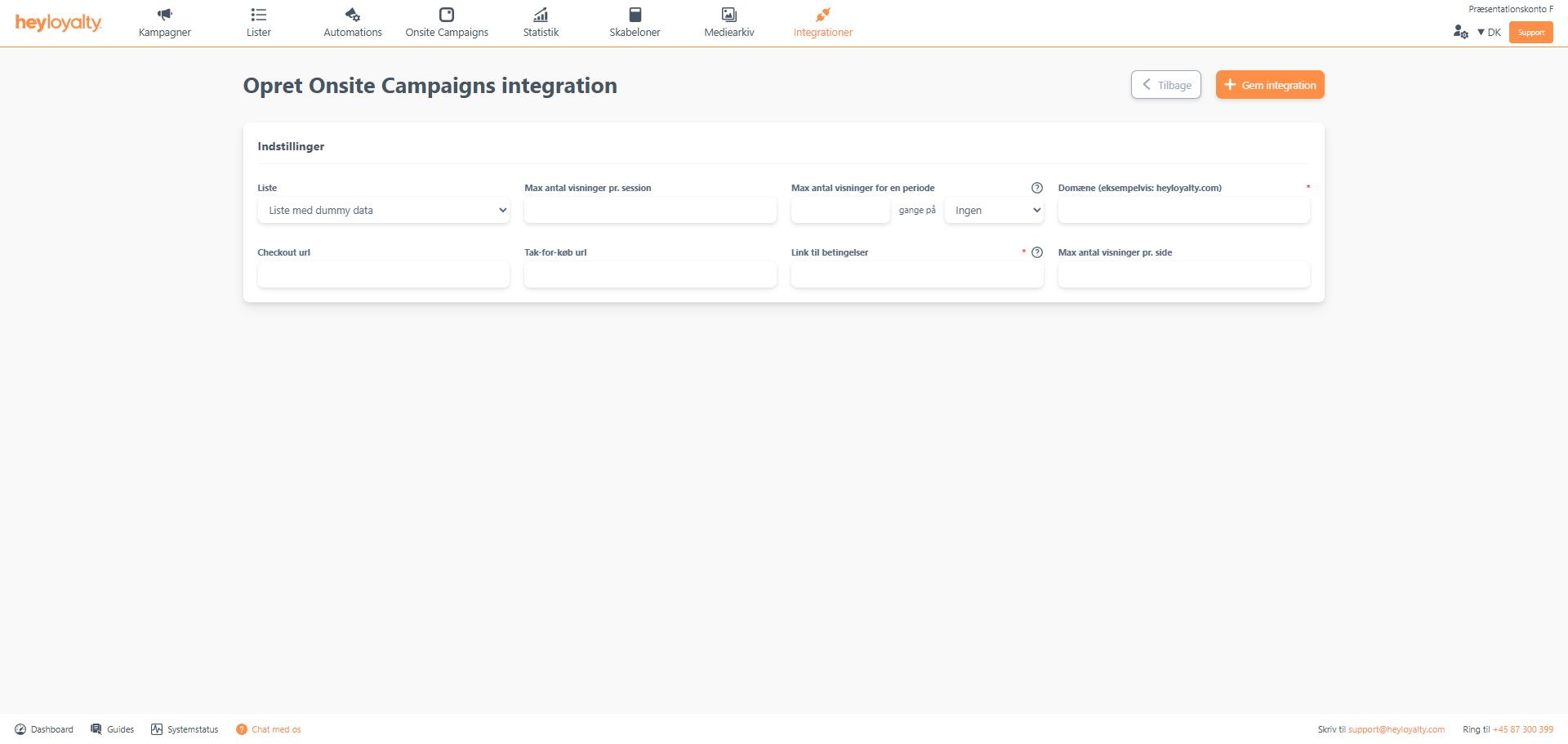
Fill in the fields. Make sure to fill in Domain as your domain – i.e. without and https:// and without www.
Finish with Save integration.
Implementing the Onsite Campaign script
Integrations –> List Integrations –> Onsite Campaign –> Edit Integration –> ⁝ –> Installation wizard. You can now choose between Copy both scripts or Copy script to GTM, with the latter being a script that only works if you implement the script in GTM (Google Tag Manager). Alternatively, select Copy both scripts and paste them into your site. Typically, both scripts are pasted into the footer of all pages on your site. Heyloyalty cannot guide you to the exact location where you should paste the scripts, as it depends entirely on your CMS.
Read about the implementation here

Hvis du mangler information eller hjælp, som du ikke finder her på guide sitet, er du altid velkommen til at kontakte vores support!
support@heyloyalty.com / tlf. 87 300 399


Leave a Reply